
Description
Transform Your Space with Smart RGB Lighting
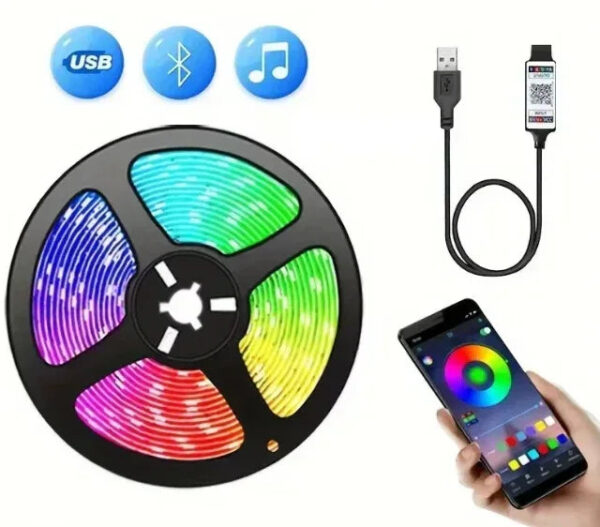
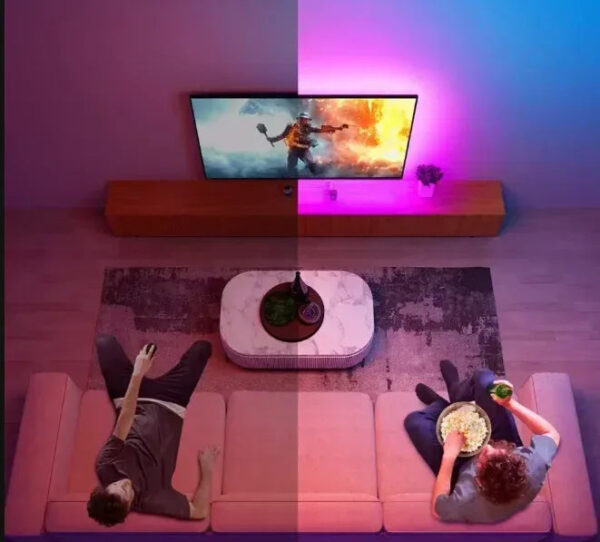
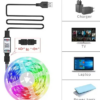
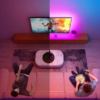
Bring your TV setup or bedroom to life with the Htomaza RGB LED Strip Light – a flexible, Bluetooth-controlled lighting solution that’s as easy to install as it is impressive to look at.
Key Features
- High-Quality LED Chips – Bright, clear illumination with 16 LEDs per metre, delivering vibrant RGB colour across the full 5-metre length.
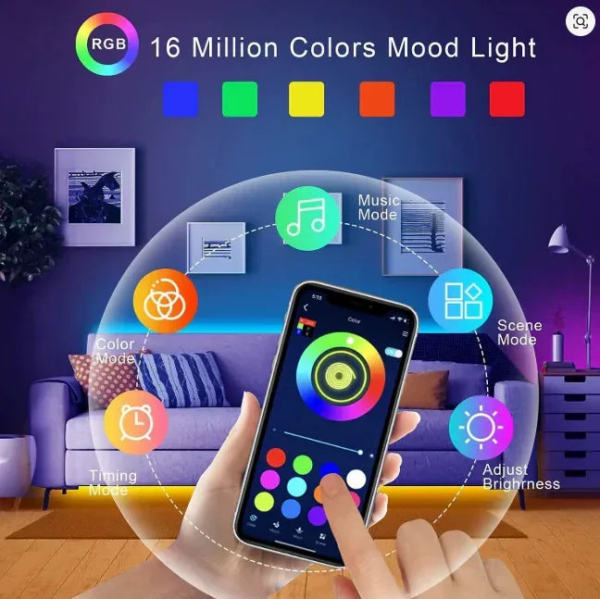
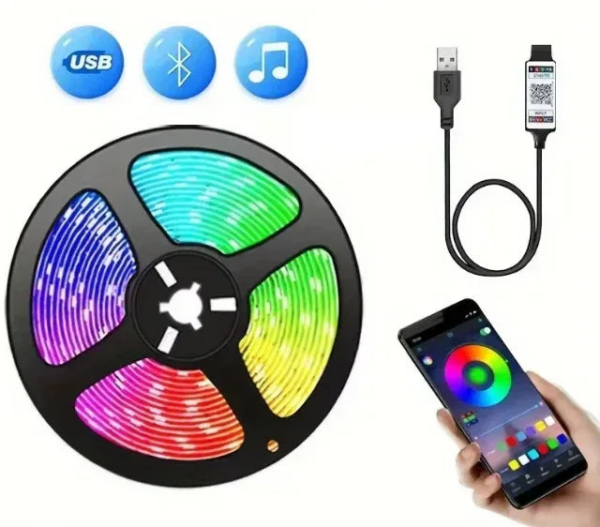
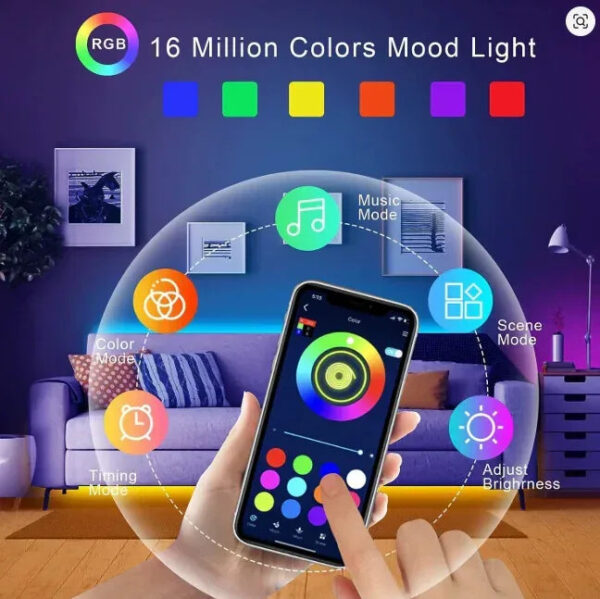
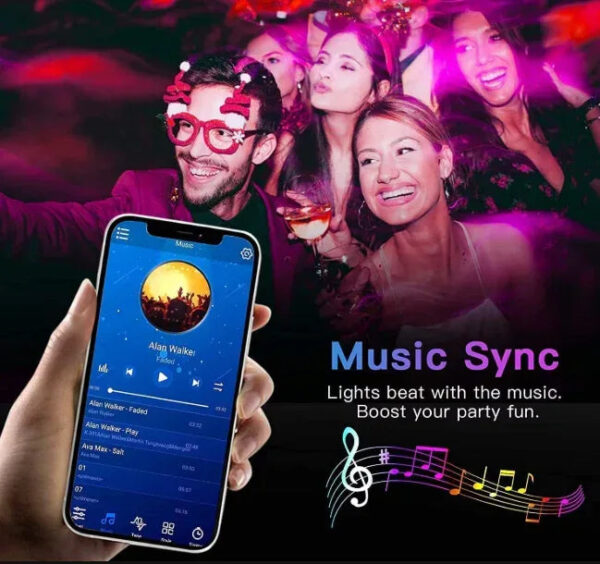
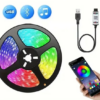
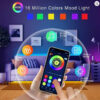
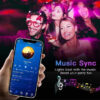
- Bluetooth Control – Adjust colours, brightness, and effects directly from your smartphone. No remote needed – just your phone.
- Flexible Ribbon Design – Bends and shapes to fit any surface, making installation around your TV, desk, or room a breeze.
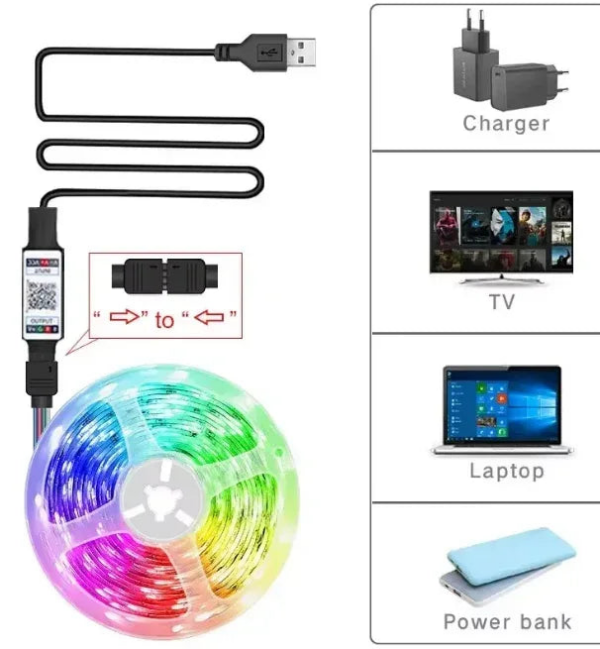
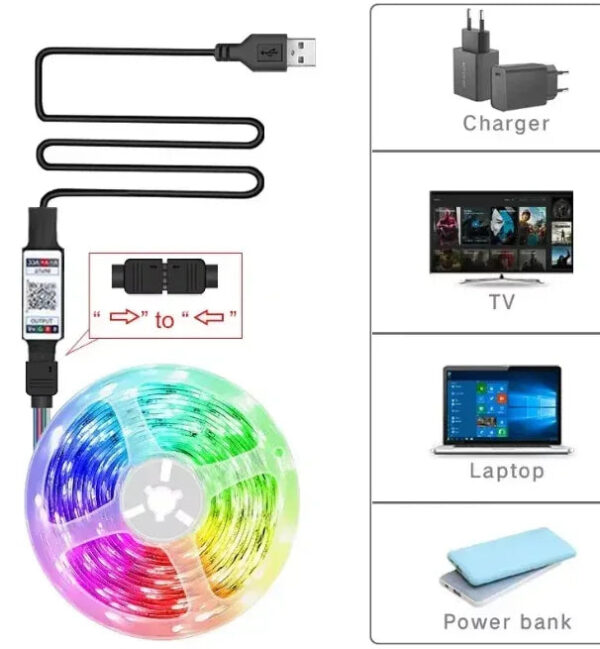
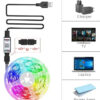
- 5V USB Powered – Plug into any USB port or adapter. Energy-efficient at just 2.88W/m, and perfect for travel or temporary setups.
- Certified Safe – CE, EMC, and ROHS certified for peace of mind in any room.
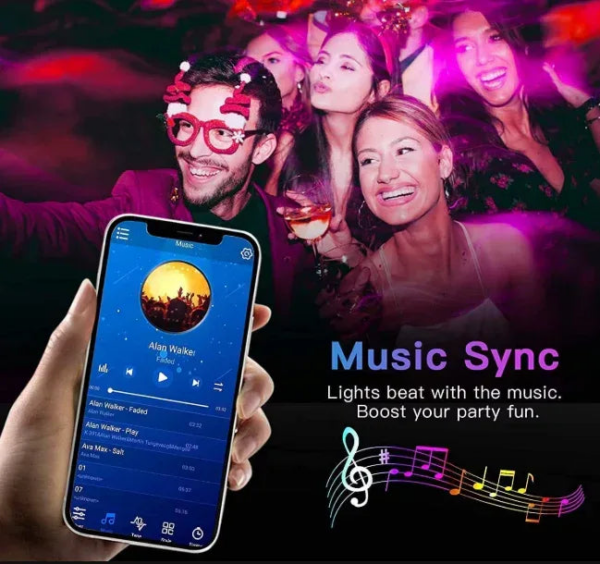
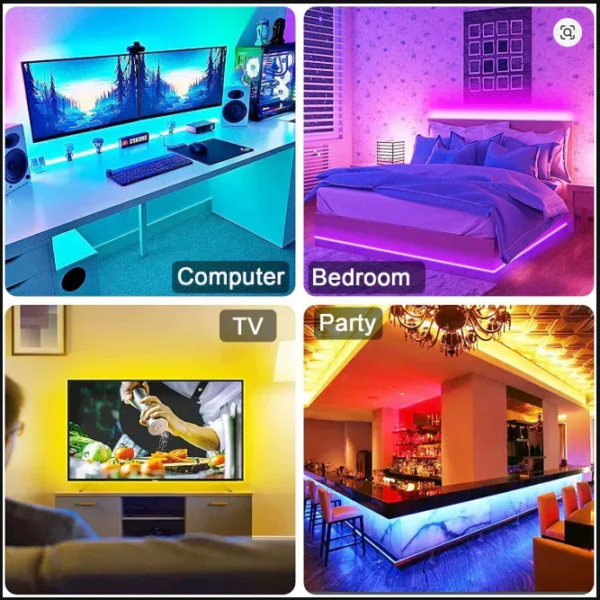
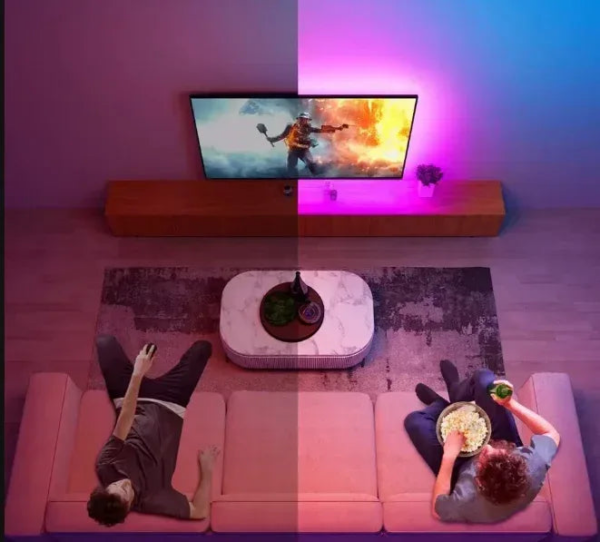
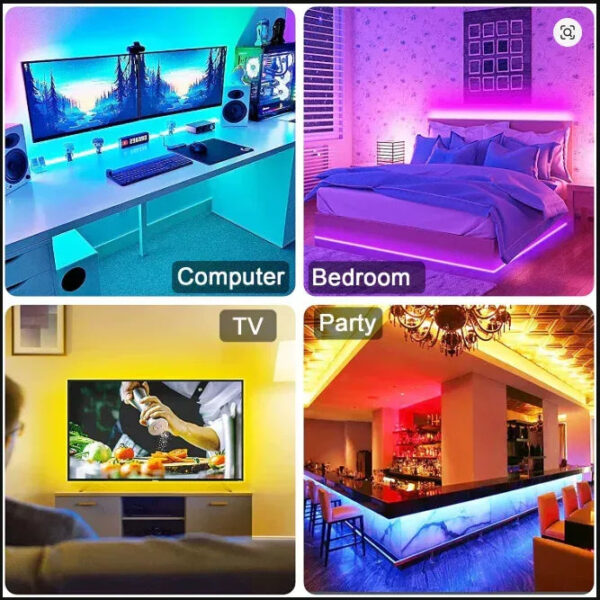
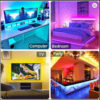
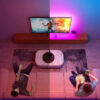
- Versatile Use – Ideal for TV backlighting, bedroom ambience, parties, and more.
Specifications
- Length: 5 metres
- Voltage: 5V (DC)
- Power Consumption: 2.88W/m
- LEDs: 16 per metre
- Colour: RGB
- Waterproof: No
- Average Lifespan: 50,000 hours
- Model: RGB-02
- Brand: Htomaza
- Certifications: CE, EMC, ROHS
How to Get Started
Step 1 – Scan the QR Code
Find the QR code printed on the USB device included with your LED strip. To scan it:
- Open your smartphone’s camera app (works on most modern iPhones and Android phones without a separate app).
- Point the camera at the QR code – hold it steady about 15–20cm away.
- A notification or link will appear on your screen – tap it to open.
- If your camera doesn’t recognise it, download a free QR scanner app from the App Store or Google Play.
Step 2 – Follow the In-App Installation Instructions
Once you’ve scanned the QR code, the app will guide you through pairing the strip via Bluetooth and customising your lighting. Follow the on-screen steps to complete setup.
Step 3 – Install the LED Strip
- Clean the surface where you’ll apply the strip (back of TV, wall edge, etc.) with a dry cloth.
- Peel the adhesive backing from the strip a little at a time.
- Press firmly along the surface, working from one end to the other.
- Plug the USB connector into your TV’s USB port or a USB adapter.
- Open the app and enjoy your new lighting!
Note: Ensure the surface is dry and dust-free for the best adhesion. The strip is not waterproof – keep away from moisture.

Reviews
There are no reviews yet.